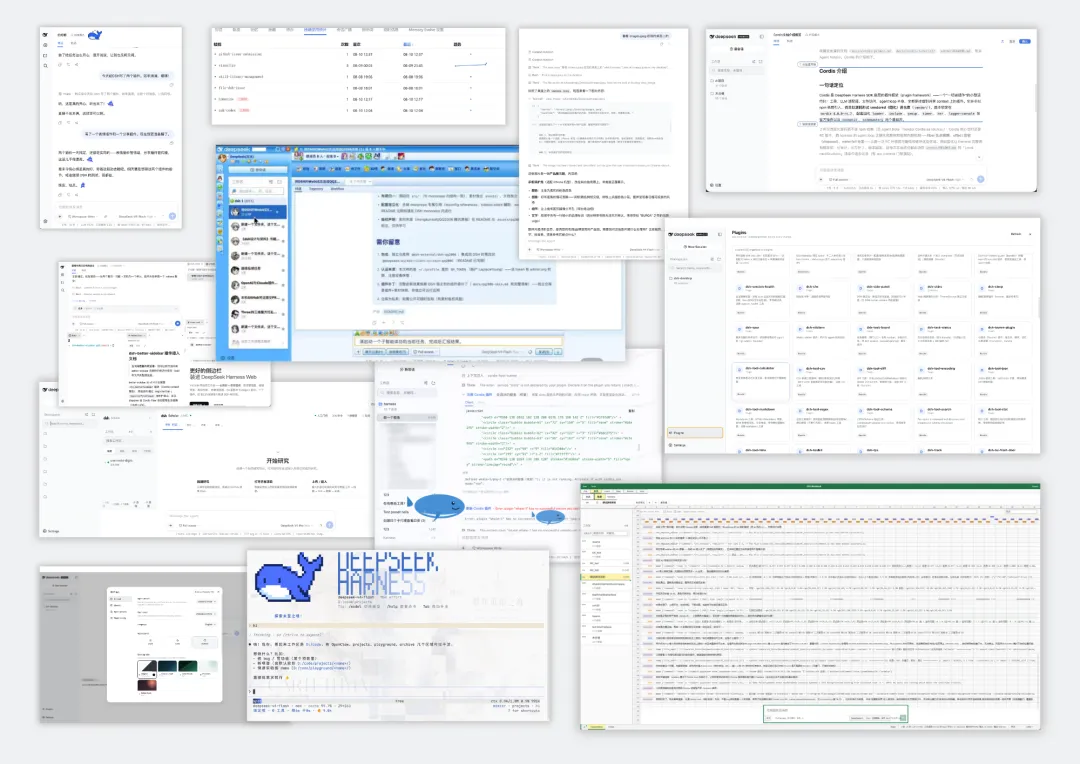
DeepSeek Harness Developer Preview: Everything Is a Plugin
DeepSeek Harness's Developer Preview (v0.1) is now open for testing by developers worldwide, with the source released under the MIT license. It's the step where Harness goes from "publicly downloadable" to "publicly reproducible." In our two earlier pieces we tore down its plugin runtime architecture and got it fully running locally; this one records what v0.1 actually ships — its official positioning, the four run modes, the session-log mechanism, and how to get started.
As an early preview, the team is upfront that plenty of rough edges remain, and that the core plugins and base interfaces will keep iterating quickly. This post isn't a repeat of the earlier technical deep-dives — it's a record of what v0.1 actually delivers.
Everything Is a Plugin: What v0.1 Stands On
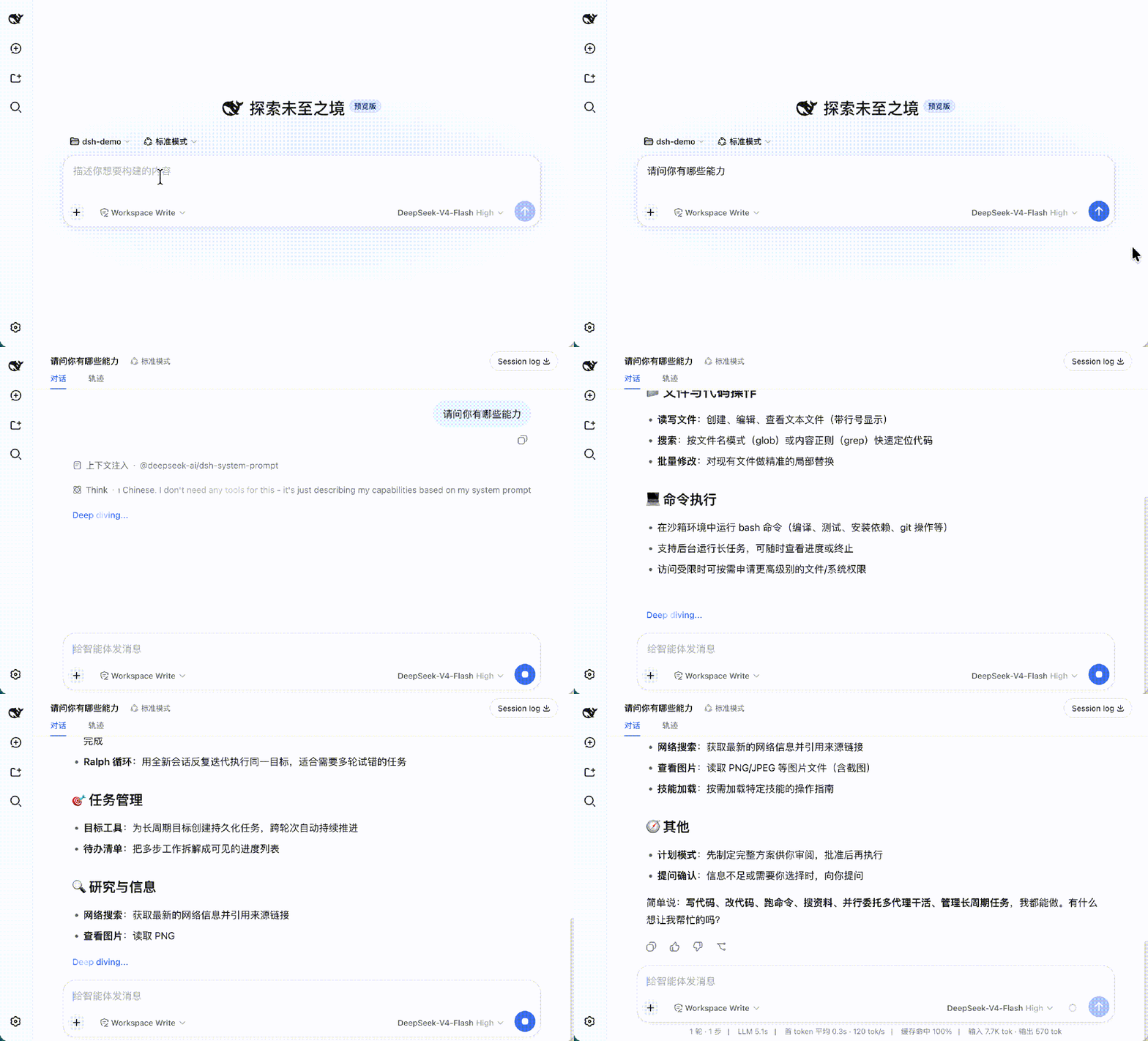
DeepSeek Harness is built around "everything is a plugin": models, tools, skills, sessions, sandboxes, storage, the loop, scheduling, and the UI are all composed from plugins — freely replaceable and recombinable.
The foundation is Cordis, a plugin system with spatiotemporal composability. (For the finer points — Cordis's Fiber lifecycle, reversible effects, and the preset two-layer scope chain — the architecture teardown goes deeper.) The Cordis meta-framework only handles plugin load, unload, and dependencies; every concrete component of Harness is a different Cordis plugin, coordinating through Cordis services and events and freely combinable at the configuration layer.
The most important design principle, in one sentence: developers can independently select, replace, or extend any single capability as a plugin, without touching Harness's source code itself.
Four Run Modes, Four Plugin Sets
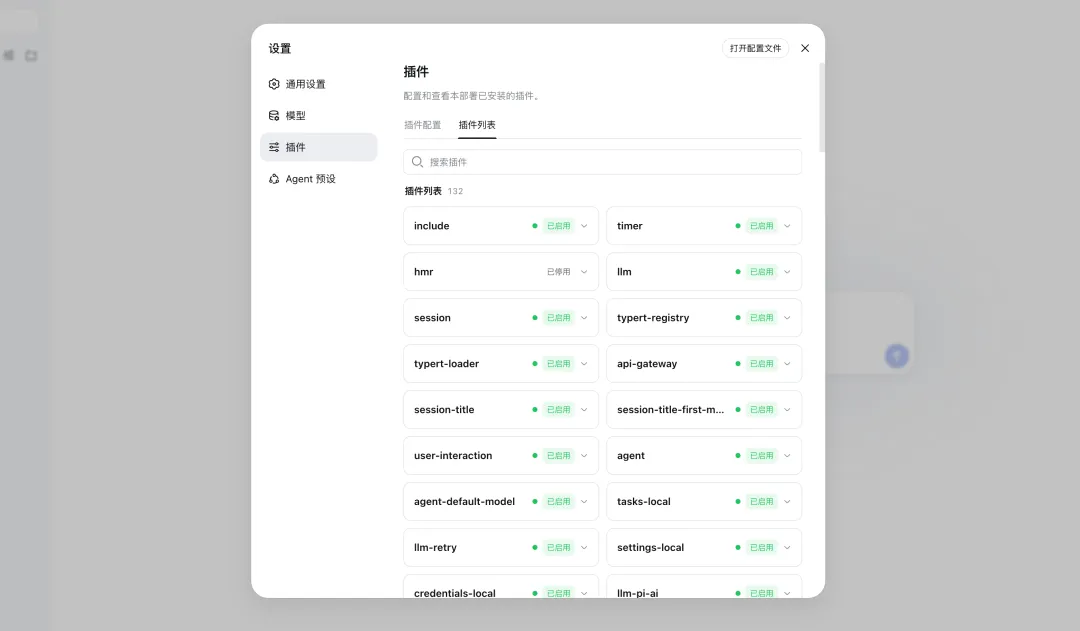
For different scenarios, v0.1 ships four modes, each loading a different default plugin set:
- Standard — the full tool set, for ordinary agent tasks;
- PTC (Programmatic Tool Calling) — a single piece of model-generated code composes multiple rounds of tool calls, for "compose once, execute in batch" scenarios;
- Minimal — just one shell tool and one file-editing tool, for model benchmarking in a minimal environment;
- Create — inspect the current runtime, experiment with Cordis plugins in memory, and compose new modes from there.
The four modes are really the same plugin runtime under different presets — the difference isn't "a different codebase," it's "a different plugin set." That's the most direct proof that "everything is a plugin" works in practice.
Every Run Leaves a Trace
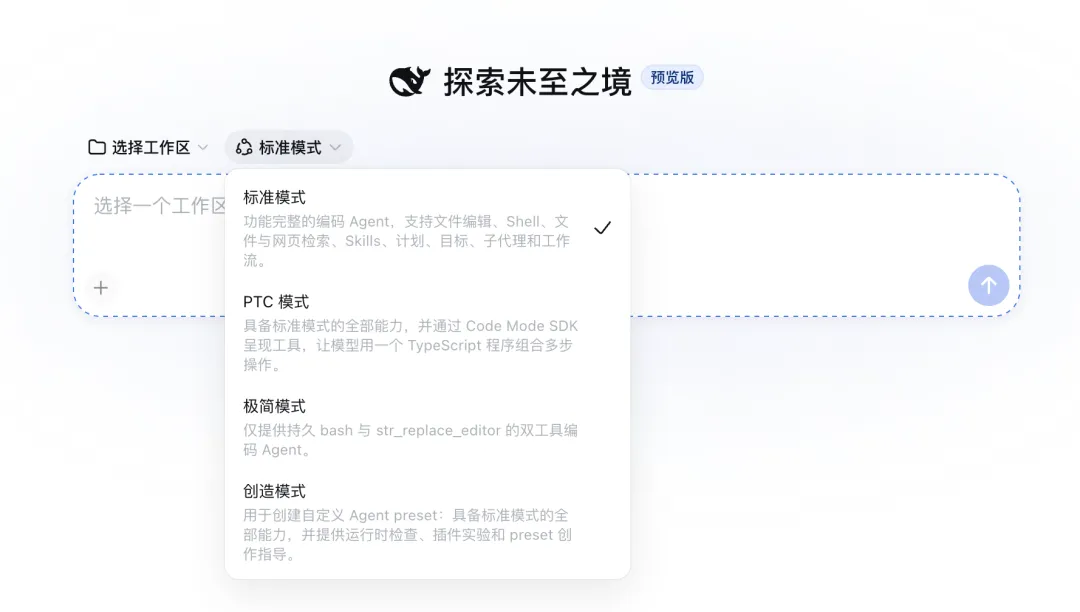
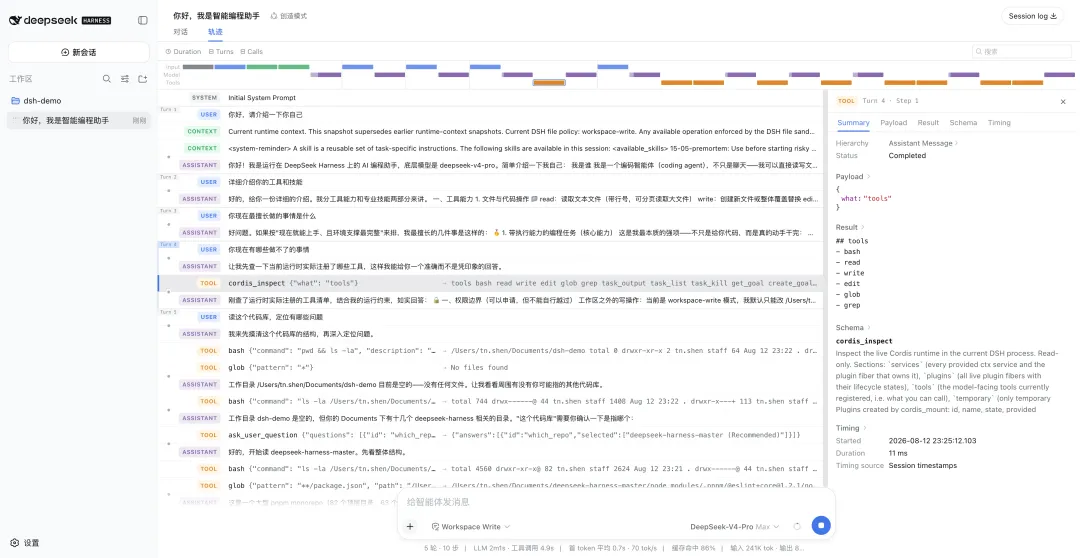
Everything the model sees is written to an append-only session log — the system prompt, the chain of thought, tool calls and their results, sub-agent scheduling, and every context injection. In the Trajectory view you can inspect this information by source; recover, fork, retrieve, and replay all share the same event stream.
This is also the part that earned the steadiest praise in our hands-on run: a fully replayable event stream is the precondition for debugging the invisible failures — context compaction, too many skills loaded, or the model going wrong.
Getting Started
Quick start — on a machine with a Node.js toolchain, launch the Web UI with npx:
npx @deepseek-ai/dsh webBuild from source — clone the full repo and follow its README:
git clone https://github.com/deepseek-ai/deepseek-harnessThe Long Game
v0.1 is just the starting point. The team is betting on an open, reusable, composable foundation, and inviting developers worldwide to build out the DSH plugin ecosystem. If you've been following Harness, the things to watch next are how fast the core plugins and base interfaces iterate, and whether a community plugin ecosystem actually grows the way Koishi's did — those two will decide whether "everything is a plugin" stays a slogan or becomes a moat.